WHATS INCLUDED
- 25 unique presets for Lightroom on desktop & mobile
- Video tutorials
- Installation guide
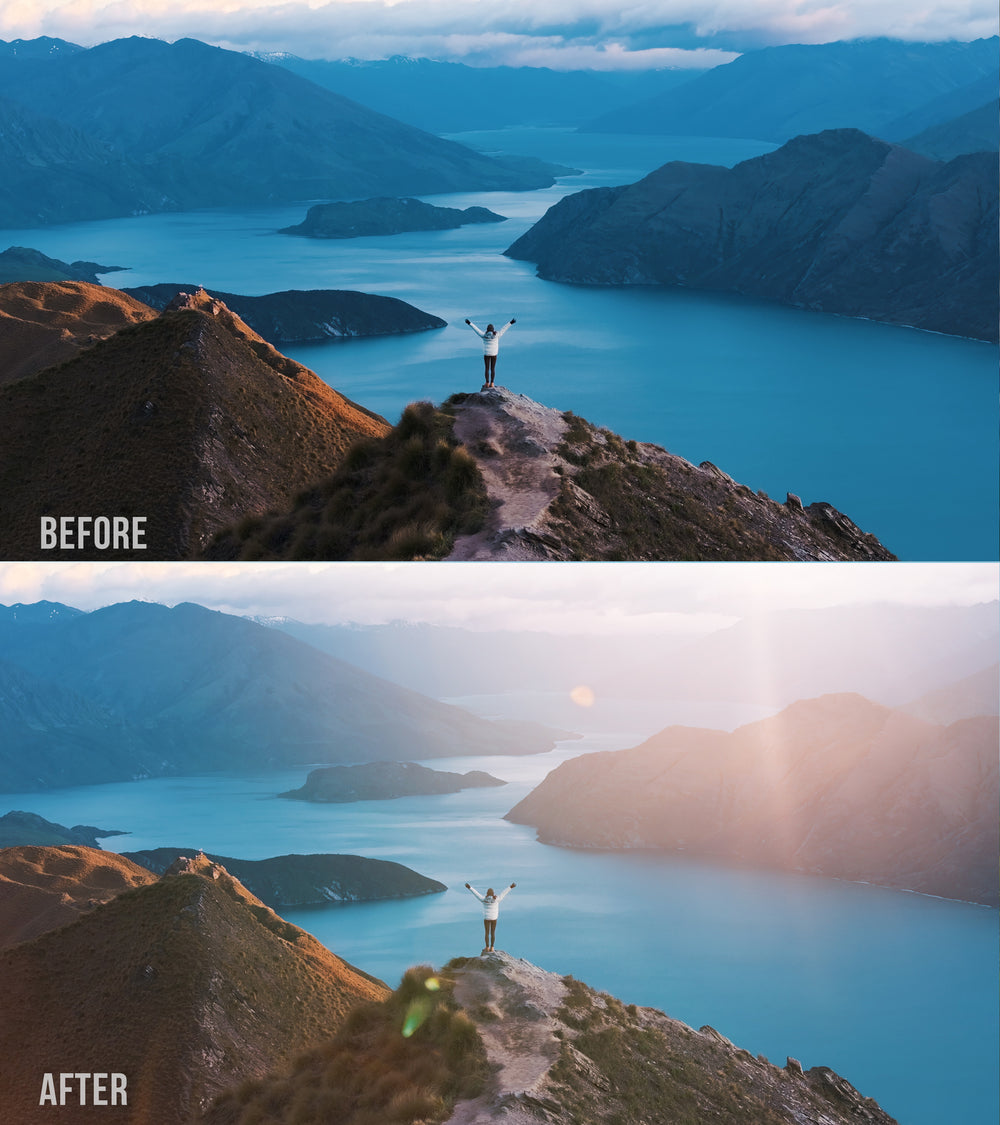
Over the past 7 years of using Lightroom, I have developed my own style of editing and have created this preset pack to share with you how I create a soft and dreamy sunset and sunrise look!
This preset pack is perfect for (but not limited to)
- Sunsets
- Sunrises
- Drone Photography
- Everyday beach photos
How to install
Please note this is a digital download and keep in mind that there are video tutorials included in the purchase which take you through the installation and applying the presets
Desktop
- Unzip the folder
- Open Lightroom and go to "Develop Tab"
- Add presets
- Select all presets at once and import
Mobile
- Download a free Unzipping app
- Unzip folder
- Head to "Mobile" folder
- Open the .DNG files individually to Lightroom
- Once in Lightroom, the image has a preset applied
- Go to top right hand corner and press the 3 dots
- Create preset
- Name preset accordingly